What To Do If Your Robot Mop Is Leaving Streaks On Hardwood?
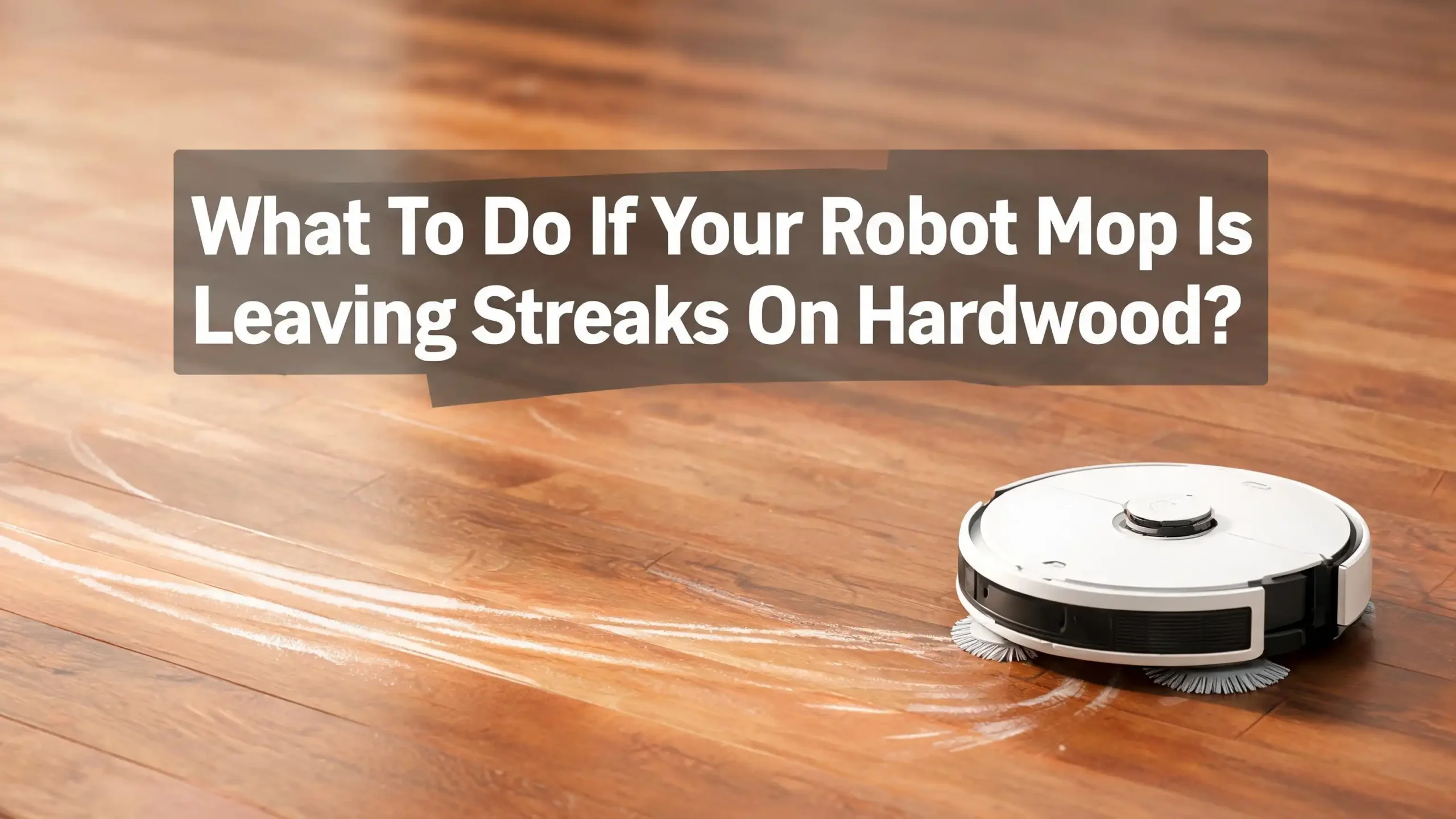
Your robot mop promised sparkling floors. Instead, you walk into the kitchen and see cloudy lines stretching across your beautiful hardwood. Frustrating, right? You spent good money on this gadget, and now it looks like a toddler dragged a wet sock across the room.
Streaks on hardwood are one of the most common complaints from robot mop owners. The good news is that streaks are almost always fixable. The cause is usually simple, like a dirty pad, too much water, or the wrong cleaning solution. You do not need a new machine.
This guide walks you through every reason your robot mop leaves streaks. You will learn step by step fixes, the pros and cons of each method, and how to keep your hardwood looking clean and dry. Let us get those streaks gone for good.
Key Takeaways
Before we dive into the full guide, here are the most important points to remember. These quick fixes solve most streak problems within minutes.
- Dirty mop pads are the number one cause of streaks. Wash or replace your pad after every cleaning session. Old pads spread grime instead of removing it.
- Too much water damages hardwood and leaves cloudy marks. Lower the water flow setting in your robot mop app. Hardwood needs a barely damp pad, not a wet one.
- Hard water minerals leave white film on dark floors. Switch to distilled or filtered water to stop residue buildup on your boards.
- Always vacuum first, then mop. Loose dust and pet hair turn into muddy streaks the moment water hits them. Many robots have a vacuum then mop mode built in.
- Use a pH neutral hardwood cleaner only. Avoid vinegar, ammonia, soap based products, and steam. These strip the finish and cause permanent dull streaks.
- Replace mop pads every two to three months. Worn pads lose absorbency and push dirty water around your floor.
Now let us look at each problem in detail and fix your streaking issue once and for all.
Why Robot Mops Leave Streaks On Hardwood Floors
Streaks happen when something prevents the mop pad from making clean, even contact with your floor. The water dries unevenly, and you see lines where dirt, minerals, or soap settled. Hardwood shows streaks more than tile because the smooth finish reflects light.
The most common causes are a dirty mop pad, too much water, hard water minerals, the wrong cleaning solution, and dust that was not vacuumed first. Sometimes the robot itself drags dirty water through the wheels.
Hardwood is also more sensitive than tile or vinyl. The protective finish reacts to moisture, soap residue, and acidic cleaners. When any of these sit on the surface, they leave a haze that looks like streaks.
Here is the truth most owners miss. Robot mops are designed for light maintenance, not deep cleaning. They work best when the floor is already mostly clean. If your floor has built up grime, the first few mop runs will spread that dirt around. You will see streaks until the floor is fully reset.
Understanding the cause helps you pick the right fix. In the next sections, we go through each issue one by one. Start with the simplest fixes first, then move to deeper problems if streaks remain.
Check And Clean The Mop Pad First
A dirty mop pad is the leading cause of streaks. The pad picks up grease, dust, and pet hair on every pass. Once it is saturated, it stops absorbing and starts smearing.
Step by step pad check:
- Remove the pad from your robot.
- Look at the surface under bright light.
- If you see gray, brown, or yellow staining, the pad is dirty.
- Hand wash with cold water and a small amount of dish soap.
- Rinse until the water runs clear.
- Squeeze out excess water and let it air dry completely.
Never put a damp pad back on the robot. A damp pad mixed with fresh water creates uneven streaks right away. Most pads need washing after every single run on hardwood.
Pros of hand washing pads: Saves money, extends pad life, removes deep grime that machines miss.
Cons of hand washing pads: Takes time, pads must fully air dry which can take hours, soap residue can remain if you do not rinse well.
Pros of replacing pads: Instant fix, no drying time, fresh fibers absorb better.
Cons of replacing pads: Costs money over time, creates more waste.
A good rule is to wash after every run and replace every two to three months. Worn pads lose their grip and start leaving streaks even when clean. If your pad looks frayed or thin, it is time for a new one.
Adjust The Water Flow Settings
Most robot mops let you control how much water hits the floor. Too much water is the second biggest cause of streaks on hardwood. Wood absorbs moisture, and excess water dries unevenly into cloudy lines.
Open your robot mop app and look for water level, mop intensity, or flow settings. Set it to the lowest level for hardwood. Many models have three or four settings. Low or eco mode is almost always the right choice for sealed wood.
How to test the right water level:
- Run the robot in a small area first.
- Watch how the floor looks ten seconds after the pad passes.
- If the floor stays wet for more than thirty seconds, lower the water flow.
- If the pad leaves dust behind, raise it slightly.
Pros of low water settings: Protects hardwood from warping, dries fast, less streaking, safer for floor finish.
Cons of low water settings: May not lift sticky spills, requires more frequent passes for tough dirt.
Pros of high water settings: Better for stuck on messes, fewer passes needed.
Cons of high water settings: High risk of streaks, water damage, swelling, and finish dulling on hardwood.
If your robot does not have adjustable water flow, you can manually fill the tank only halfway. Some users also tape over part of the water outlet to slow the flow. Always test in a small spot before running a full cycle.
Use Distilled Or Filtered Water
Tap water contains calcium, magnesium, and other minerals. These minerals leave a white or gray film on hardwood as the water dries. That film looks exactly like streaks. The harder your water, the worse the streaking gets.
Switch to distilled water or filtered water from a pitcher. Distilled water has no minerals at all, so it dries clean every time. Filtered water reduces minerals but does not remove them all. Both work better than straight tap water.
How to tell if hard water is your problem:
- Wipe a streaked area with a dry microfiber cloth.
- If the streak comes off easily, it is mineral residue.
- If it stays, the issue is dirt or soap buildup instead.
Pros of distilled water: Zero minerals, no residue, safe for all floor types, cheap at grocery stores.
Cons of distilled water: You have to buy and store it, slightly more effort than tap water.
Pros of filtered water: Convenient if you already own a filter, reduces most minerals.
Cons of filtered water: Does not remove all minerals, filter cartridges cost money over time.
A one gallon jug of distilled water lasts most homes about two weeks of robot mopping. This single change fixes streaks for many hardwood owners overnight. If you live in a hard water area, this is the first fix to try after cleaning your pad.
Pick The Right Cleaning Solution
The wrong cleaning solution leaves a sticky film that attracts dirt and shows streaks. Many people pour in whatever floor cleaner they have around the house. That is a mistake on hardwood.
Hardwood needs a pH neutral cleaner labeled safe for sealed wood floors. Bona Hardwood Floor Cleaner and Method Squirt and Mop are popular choices. Some robot brands also sell their own approved formulas.
Avoid these on hardwood:
- Vinegar, which etches the finish over time.
- Ammonia, which dulls the protective coating.
- Dish soap, which leaves a sticky residue.
- Oil based polishes, which create a slippery film.
- Steam, which damages the finish and warps boards.
Always follow the dilution ratio on the bottle. Too much soap is worse than too little. A common ratio is one capful per tank. If the label says one to thirty for hardwood, stick to that exactly.
Pros of brand approved solutions: Guaranteed safe for the robot, tested on hardwood, no residue.
Cons of brand approved solutions: More expensive, only sold at certain stores.
Pros of plain distilled water: No residue, free of chemicals, safe for all finishes.
Cons of plain distilled water: Less effective on greasy or sticky messes.
For everyday cleaning on lightly soiled floors, plain distilled water is often enough. Save the cleaner for weekly deep cleans. This single change reduces streaks dramatically.
Vacuum The Floor Before You Mop
Loose dust, crumbs, and pet hair turn into muddy streaks the second water hits them. This is the most overlooked cause of streaking. A wet pad on a dusty floor is a streak factory.
Most modern robot mops have a vacuum then mop mode. Turn it on. The robot vacuums first, then mops the same area. If your robot only mops, run a separate vacuum pass first.
Step by step pre clean routine:
- Pick up large debris like socks, toys, and cords.
- Run the dry vacuum mode first.
- Empty the dustbin between runs.
- Then start the mop cycle.
- For heavy shedding pets, vacuum twice a week minimum.
Pros of vacuum first approach: Eliminates the main cause of dirty streaks, protects mop pads from clogging, saves cleaning time later.
Cons of vacuum first approach: Doubles the cleaning time, uses more battery, requires emptying the bin twice.
Pros of mop only approach: Faster, simpler, works on already clean floors.
Cons of mop only approach: Almost always causes streaks if any dust is present.
If you have shedding pets, this step matters even more. Pet hair wraps around mop pads and drags wet clumps across the floor. Vacuuming first removes the hair before it ever touches water. Skip this step and no other fix will work.
Clean The Robot Wheels And Body
The wheels of your robot mop pick up dirt and water as they roll. Dirty wheels leave tire tracks and streaks behind the mop pad. This is a hidden cause of streaking that many owners miss.
Flip the robot upside down and look at the wheels. Are they wet, gray, or sticky? If yes, they are part of your streak problem.
Step by step wheel cleaning:
- Power off the robot.
- Wipe each wheel with a damp microfiber cloth.
- Use a toothbrush for stuck on grime.
- Dry each wheel with a clean cloth.
- Check the wheel housing for trapped hair or debris.
- Wipe the bottom plate and side brushes too.
Do this once a week if you mop daily. Do it every two weeks for lighter use. A clean robot leaves a clean floor.
Pros of regular robot cleaning: Stops tire track streaks, extends robot life, improves suction, prevents odors.
Cons of regular robot cleaning: Takes ten to fifteen minutes weekly, requires flipping a heavy unit.
Also check the water tank seal. A loose tank can drip extra water in one spot, causing pooling and streaks. Tighten or replace the seal if you see leaks. Some robots also have a clean water filter inside the tank. Rinse it monthly.
A neglected robot becomes a streak machine. Regular care keeps it working the way it did on day one.
Run The Robot In Smaller Sections
A single mop pad can only clean so much area before it becomes saturated with dirt. If you run your robot across a huge open floor plan, the pad gets dirty halfway through. The second half of the run leaves streaks because the pad is overloaded.
Most pads handle about 500 to 1000 square feet before they need washing. Roborock and similar brands recommend rinsing every 1000 square feet for best results.
Step by step zone cleaning:
- Use the app to create smaller cleaning zones.
- Run one zone at a time.
- Wash or swap the pad between zones.
- Refill the water tank with fresh distilled water for each zone.
Pros of zone cleaning: Fresh pad and water for every section, no streaks from saturation, better results on large homes.
Cons of zone cleaning: More hands on time, requires app setup, longer total cleaning time.
Pros of full home runs: Hands off, you can leave the house, simpler setup.
Cons of full home runs: Streaks in the second half of the route, dirty water spread to clean rooms.
If you have a large home, zone cleaning is worth the extra five minutes. You can also schedule different zones on different days. Kitchen and entryways collect more dirt and need more frequent runs than bedrooms.
This single change often solves streak problems in homes over 1500 square feet. Smaller zones equal cleaner floors.
Mop During The Right Time Of Day
Humidity and air flow affect how fast water dries on hardwood. Slow drying water leaves streaks every time. If you mop in a humid kitchen with no air flow, the water sits and dries unevenly.
Mop in the morning or early afternoon when humidity is lowest. Open windows or run a ceiling fan to speed up drying. Avoid mopping right before bed when the house cools and humidity rises.
Best conditions for streak free mopping:
- Indoor humidity below 50 percent.
- Room temperature between 65 and 75 degrees.
- Air circulation from a fan or open window.
- No direct sunlight on the wet floor, which can cause spotting.
Pros of timing your mop runs: Faster drying, fewer streaks, less risk of water damage.
Cons of timing your mop runs: Less flexible scheduling, may not work for shift workers.
In summer, run a dehumidifier in mopped rooms. In winter, the dry indoor air actually helps your floors dry faster, so streaks are less common. Pay attention to the weather, and your robot will perform better.
If you live in a coastal or tropical climate, this tip matters even more. High humidity is one of the silent causes of streaks that no amount of pad cleaning can fix.
Replace Worn Out Mop Pads
Even with perfect care, mop pads wear out. The fibers flatten, the absorbency drops, and the pad starts dragging water instead of soaking it up. Worn pads streak no matter what you do.
Most pads last two to three months with regular use. Heavy use shortens that to about six weeks. Look for these signs of wear:
- Frayed or thinning edges.
- Yellow or gray staining that will not wash out.
- Reduced absorbency, where water pools instead of soaking in.
- Loss of grip on the robot mount.
Step by step pad replacement:
- Order pads that match your specific robot model.
- Remove the old pad from the mount.
- Wipe the mount clean.
- Press the new pad firmly into place.
- Run a test cycle to confirm fit.
Pros of regular pad replacement: Streak free results, better absorbency, fresh start every few months.
Cons of regular pad replacement: Ongoing cost, environmental waste from disposable pads.
Pros of reusable microfiber pads: Last longer, better for the environment, often higher quality.
Cons of reusable microfiber pads: Higher upfront cost, require careful washing.
Some Roborock owners report that switching from generic pads to brand pads completely fixed streaking on hardwood. Pad quality matters more than people realize. If you have tried every other fix, a fresh pad of the right type is often the final answer.
Inspect Your Hardwood Floor Finish
Sometimes the streaks are not from the robot at all. They are from a damaged or worn floor finish. Old finishes get dull spots that look like streaks even when the floor is clean.
Run your hand across the streaked area. Does it feel rough, sticky, or uneven? If yes, the finish itself may be the problem. Robot mops with too much water over time can wear down polyurethane coatings.
Signs of finish damage:
- Permanent cloudy spots that do not wipe off.
- Sticky or tacky areas underfoot.
- Boards that feel rough on top.
- Water marks that have soaked into the wood.
If your finish is damaged, no amount of mopping will fix the streaks. You need a hardwood floor refinisher or a screen and recoat from a professional. Stop using the robot mop until the finish is repaired, or you will make it worse.
Pros of recoating: Restores shine, removes streaks at the source, protects wood for years.
Cons of recoating: Expensive, requires moving furniture, takes one to two days to dry.
Pros of finish refresher products: Cheaper, easy to apply yourself, fast results.
Cons of finish refresher products: Temporary fix, may not work on deeply damaged floors.
For mild dullness, a hardwood floor polish like Bona Refresher can hide streaks for a few months. For deeper damage, professional help is the right call. Treat the floor right, and the robot will work better too.
When To Stop Using A Robot Mop On Hardwood
Not every hardwood floor is a good match for a robot mop. Unsealed, waxed, or oiled hardwoods should never be mopped with water. Older floors with worn finishes also struggle with any moisture.
Check your floor type before you keep mopping. Run a water drop test in a hidden corner. Place one drop of water on the floor and wait five minutes. If the drop soaks in or leaves a dark spot, your floor is not sealed enough for wet mopping.
Floors that should not be wet mopped:
- Unsealed solid hardwood.
- Wax finished floors.
- Oil finished floors.
- Floors with cracks, gaps, or damaged boards.
- Engineered hardwood with damaged top layer.
For these floors, switch to a dry sweeping robot only. Some robots have a dry mop or dust mop mode that uses a dry pad. That is the safest option for delicate hardwoods.
Pros of dry mopping only: No water damage risk, no streaks, safe for any wood floor.
Cons of dry mopping only: Does not remove sticky spills, less deep cleaning power.
If you are not sure about your floor type, ask the original installer or a hardwood specialist. The wrong cleaning method can cause permanent damage that costs thousands to repair. When in doubt, dry clean only.
Frequently Asked Questions
Why does my robot mop leave streaks only on dark hardwood?
Dark floors show streaks more than light floors because they reflect light differently. The streaks were probably there on lighter floors too, just less visible. Switch to distilled water and lower the water flow setting to fix it.
How often should I clean my robot mop pad?
Clean the pad after every single use on hardwood. Replace the pad every two to three months, or sooner if it shows fraying, staining, or reduced absorbency.
Can I use vinegar in my robot mop on hardwood?
No. Vinegar is acidic and damages the protective finish on hardwood over time. Use a pH neutral hardwood cleaner or plain distilled water instead.
Is it safe to run a robot mop on hardwood every day?
Daily mopping is fine for sealed hardwood with the lowest water setting. Use distilled water and a clean pad each time. Watch for any signs of water damage or finish dulling.
Why does my robot mop leave streaks even after I cleaned everything?
The cause is likely hard water, the wrong cleaning solution, or a damaged floor finish. Try distilled water first, then switch to a pH neutral cleaner. If streaks remain, inspect your finish for wear.
Should I vacuum or mop first with my robot?
Always vacuum first. Loose dust and pet hair turn into streaks the moment they get wet. Many robots have a vacuum then mop mode that handles both in one run.
Can a robot mop damage hardwood floors permanently?
Yes, if used incorrectly. Too much water, harsh cleaners, or running on unsealed wood can warp boards, dull the finish, or stain the wood. Follow the steps in this guide to prevent damage.

Hi, I’m Ivy! I’m a smart home enthusiast and self-proclaimed clean freak who loves testing the latest cleaning tech so you don’t have to waste your money on the wrong one. I started HomeTechClean to share honest reviews and practical advice for anyone who wants a cleaner home with less effort.